
When an email or USB backup makes sense
SecondDisk is for Android users who want selected data in a familiar destination they control, without creating another backup account.
Before changing or resetting a phone
Create a separate copy of the photos and contacts you select before you move, reset, or troubleshoot a device.
Changing phones
Send selected photos and contacts to your inbox or USB drive before moving to another Android phone.
Before a reset
Make a separate copy of important data before performing work that may remove content from the device.
A second copy
Keep selected items somewhere other than the phone so a single device problem is less likely to affect both copies.
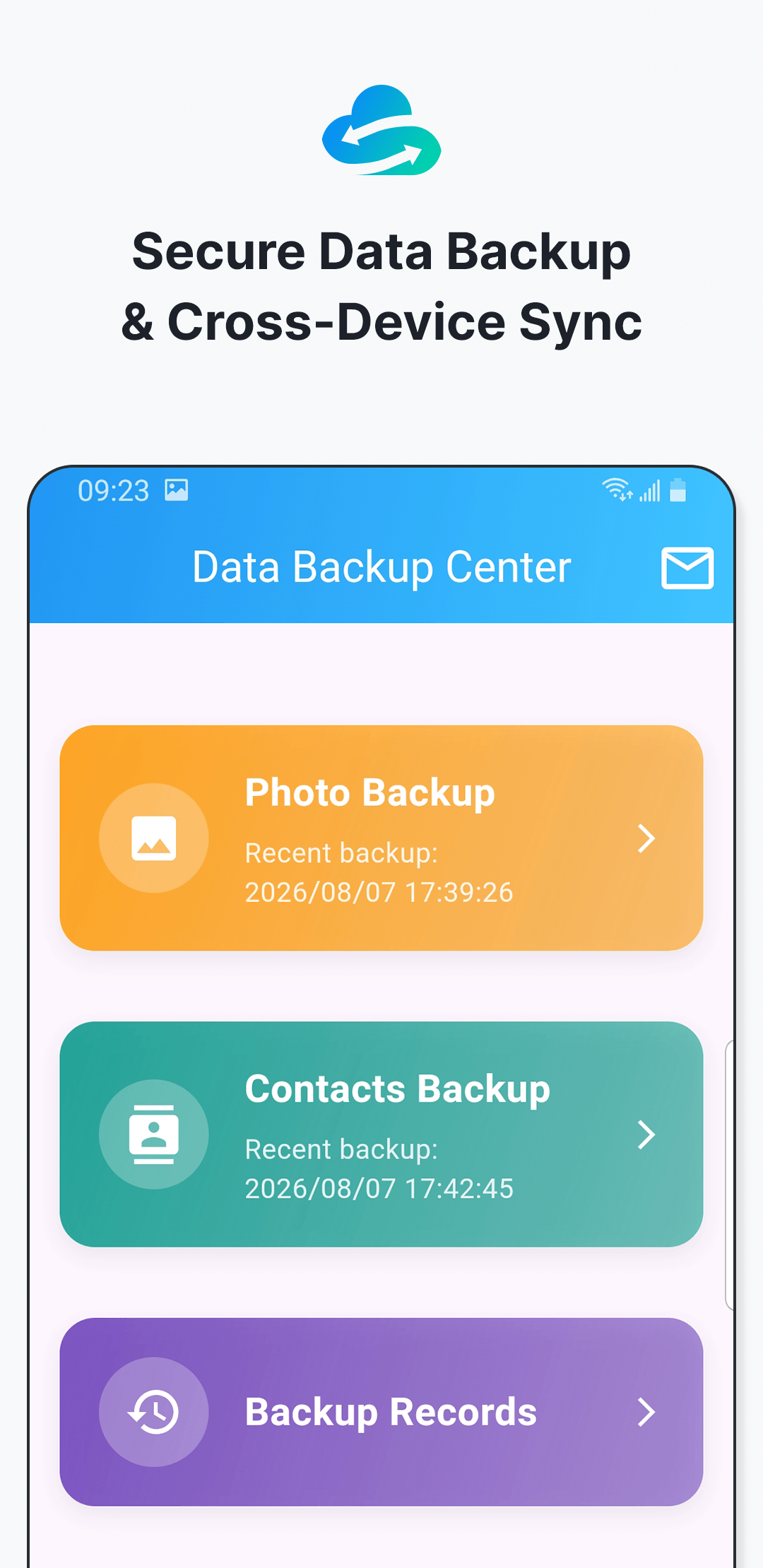
Match the backup to how you want to keep it
For an inbox archive
Email backup fits smaller selections you want available through your own email account. Because the backup is sent as an attachment, it must fit your provider’s attachment limit.
Set up email backupFor an offline copy
USB backup fits situations where you want a physical copy without sending the selected data through email. A compatible drive must be connected to the phone.
Follow the USB stepsCommon backup goals
Keep selected photos
Choose the photos you care about instead of treating every item on the phone the same way.
Preserve key contacts
Create a copy of selected contacts that can later be imported when needed.
Refresh backups regularly
Create updated copies after adding important photos or changing key contact details.
Use more than one copy for important data. A completed backup should be checked, and important items may warrant both email and offline storage.
Choose a scenario, then follow the exact steps
The User Guide covers installation, permissions, email setup, USB backup, records, and recovery.