
Back up your Android data to email or USB
SecondDisk helps you save photos and contacts to storage you control: your own email or a USB drive, with backup records you can view and download later.
Get SecondDisk from Google Play, or download the APK directly.
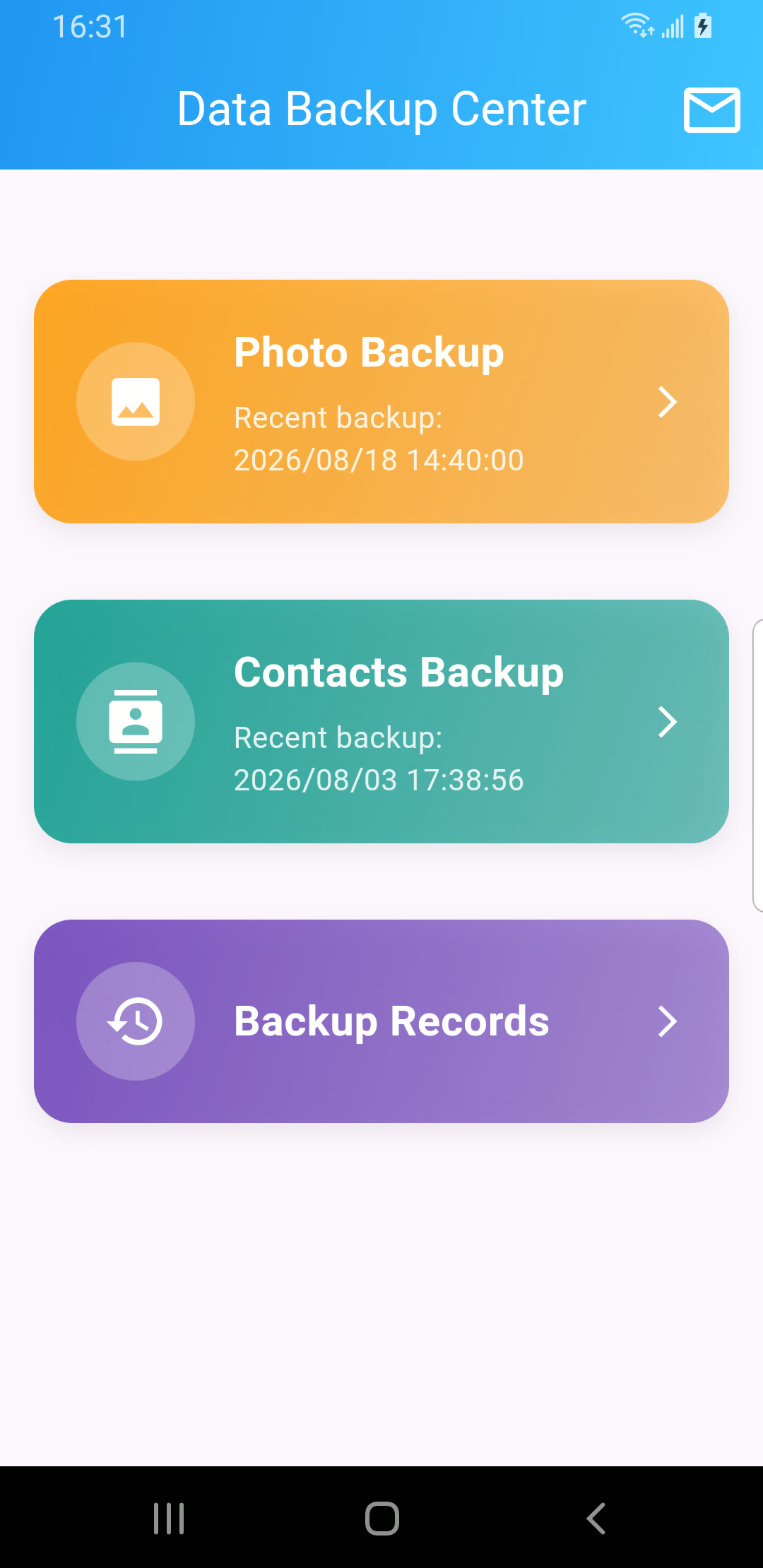
Backups that stay under your control
SecondDisk saves your selected photos and contacts to places you control: your own email or a USB drive, instead of locking them inside a closed app account.
- Your email
- USB drive
- No new account
- Backup records
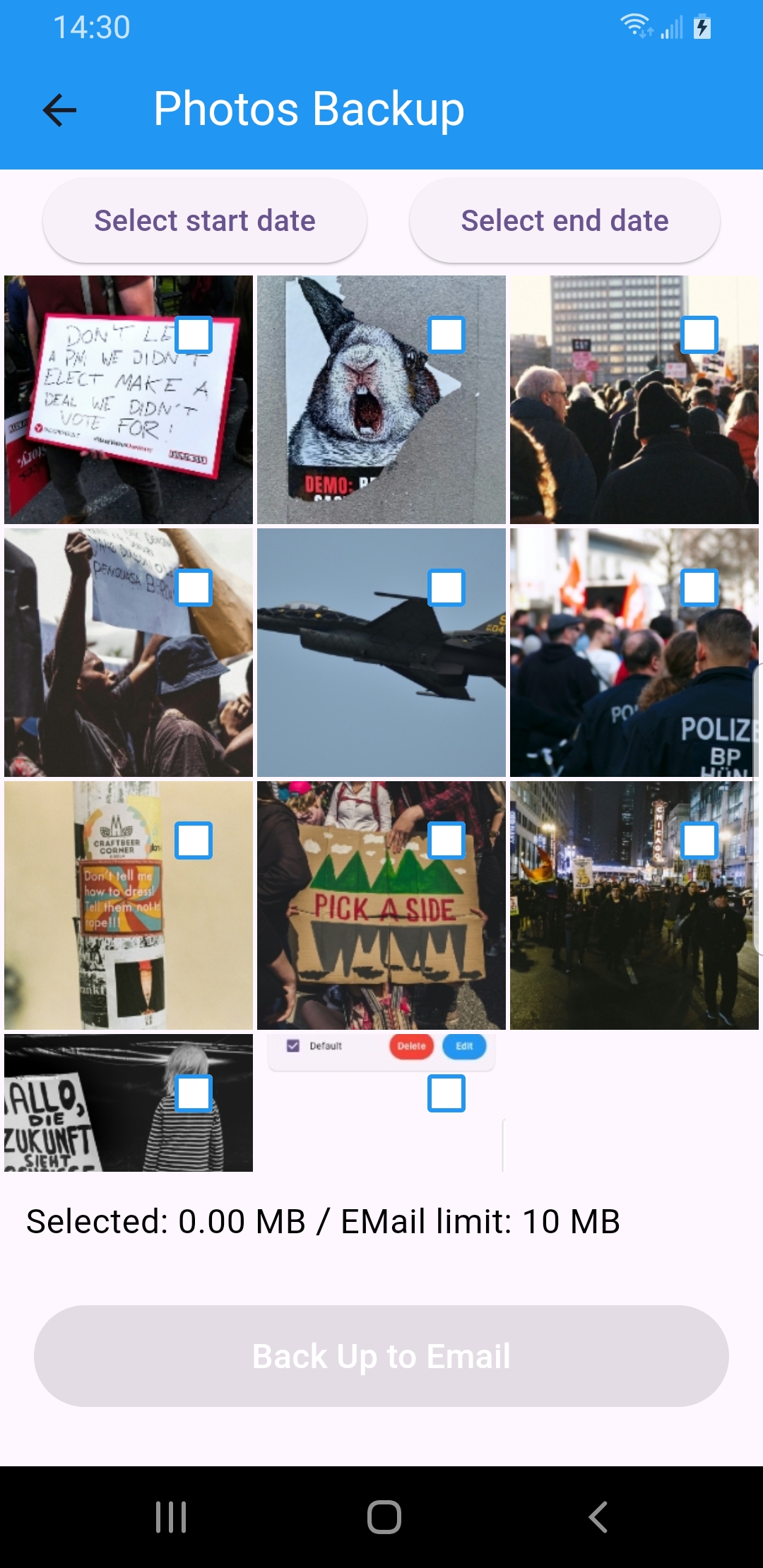
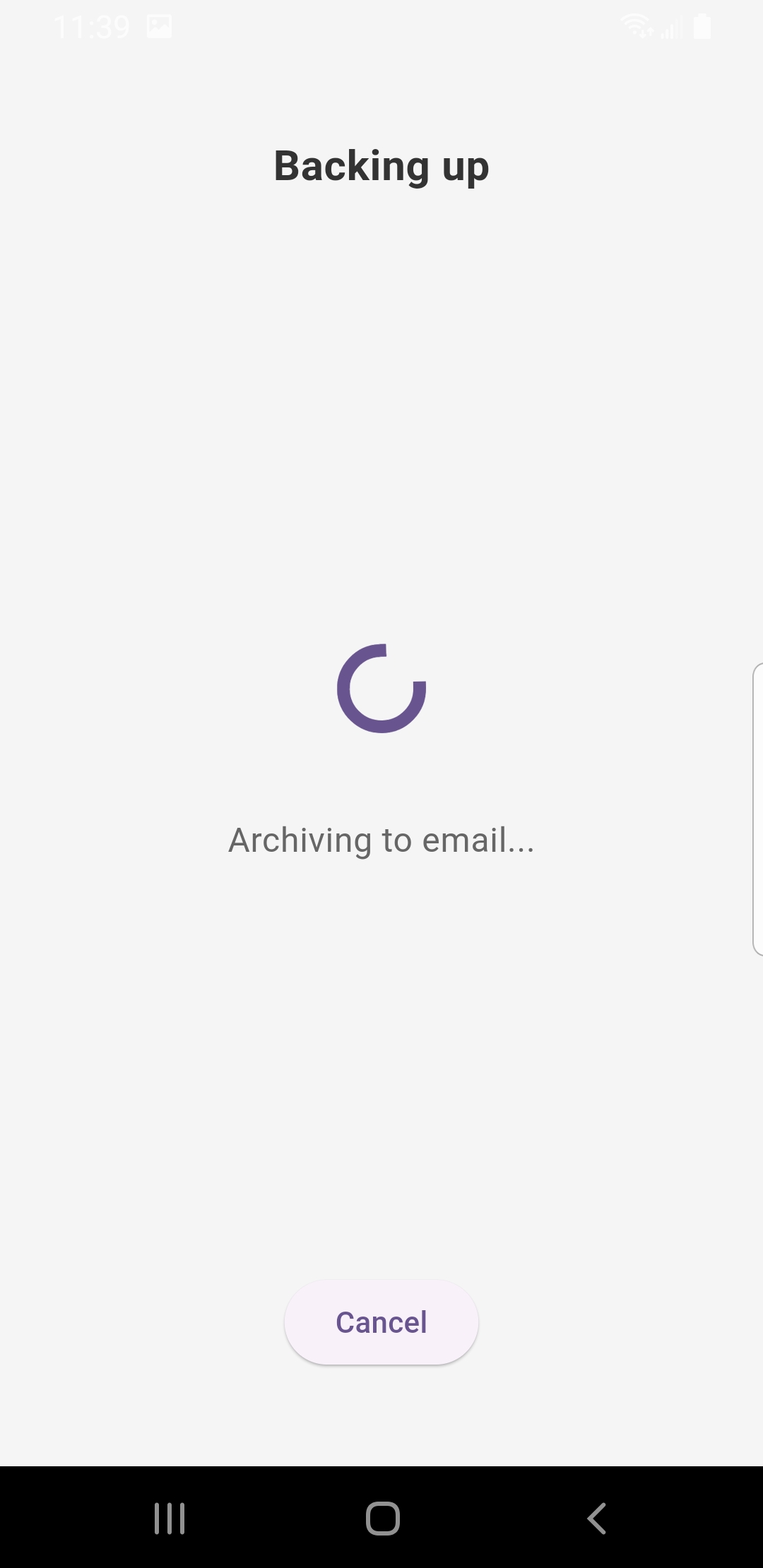
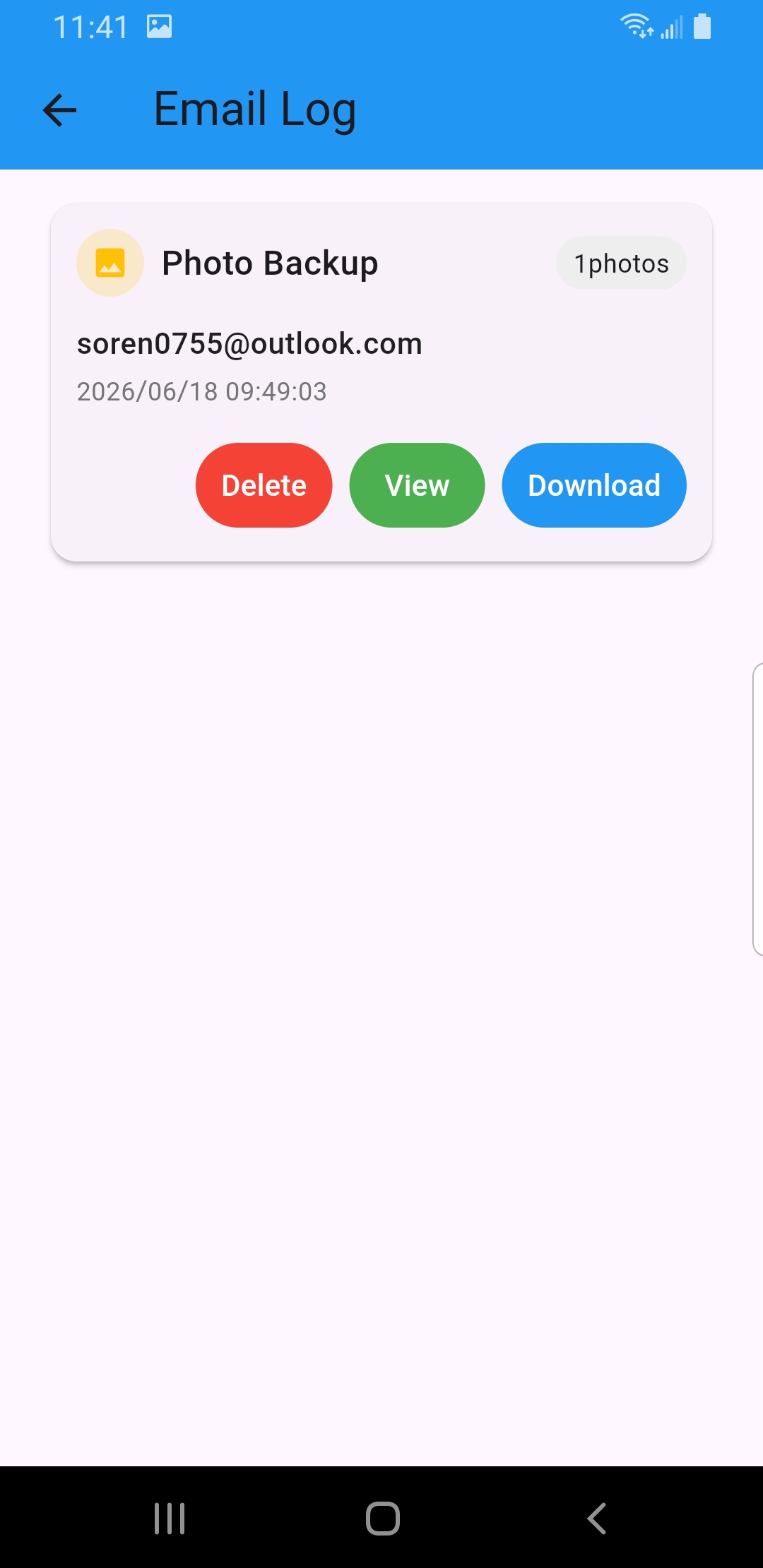
Everything that matters, saved where you choose
Protect the data you’d hate to lose — saved to your own email or a USB drive.
What you can back up
Photos
Select photos and back them up to email or USB.
Contacts
Save selected contacts as a backup you control.
Why SecondDisk is different
Email backup
Send backups to your own inbox.
USB backup
Keep an offline copy on a USB drive.
Backup records
View, download, or delete past backups.
Simple by design
Choose a backup type, select the data, and save it to your email or USB drive. SecondDisk keeps a record so you can review or download past backups.
Your Questions, Our Answer
To storage you control — your own email inbox or a USB drive connected to your phone. Backup content is not retained on SecondDisk systems beyond what is technically necessary to complete the transfer.
Yes. Connect a USB drive to your phone and SecondDisk copies your selected photos and contacts straight onto it — a handy offline copy you keep in your own hands.
No. There’s no SecondDisk account to create. You back up to your own email or USB drive.
SecondDisk sends backups to your selected email or USB drive. Backup content is not retained on SecondDisk systems beyond what is technically necessary to complete the transfer.
Photos and contacts. Pick a backup type, select what you want, and save it to your email or a USB drive.
Yes. SecondDisk keeps an in-app backup record (Email Log) where you can view, download, or delete previous backups.
Yes — you can start backing up for free.
SecondDisk runs on Android 7.0 and newer.
Don’t wait for a lost phone to back up your data
Start with photos or contacts. Save a copy to your own email or USB drive.
Get SecondDisk from Google Play, or use the direct APK download.