
Back up the data you choose, to storage you control
SecondDisk focuses on a clear job: moving selected Android photos and contacts to your own email or a connected USB drive.
Two backup types, one straightforward flow
Choose photos or contacts, select the data you want, and choose email or USB as the destination.
Photo backup
Select photos from your Android phone and save a copy to email or USB.
Contact backup
Select contacts and create a backup outside the phone where you can keep it.
Export contacts in a widely supported format
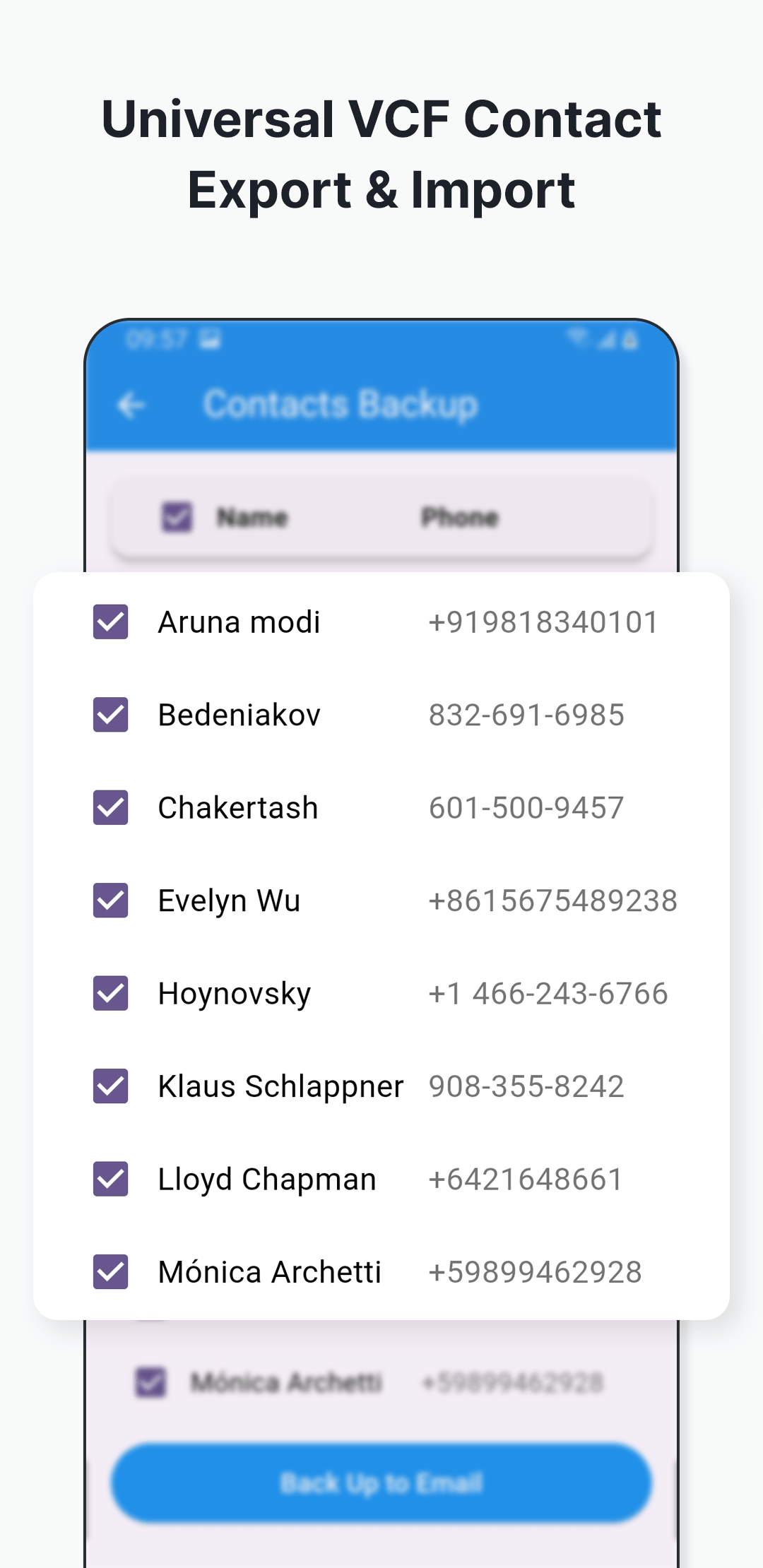
Select individual contacts or choose them together, then create a VCF backup that can be kept outside the phone and imported when needed.
- Select the contacts you want to protect
- Keep a portable VCF copy
- Import the backup on another compatible device
Send a backup to email
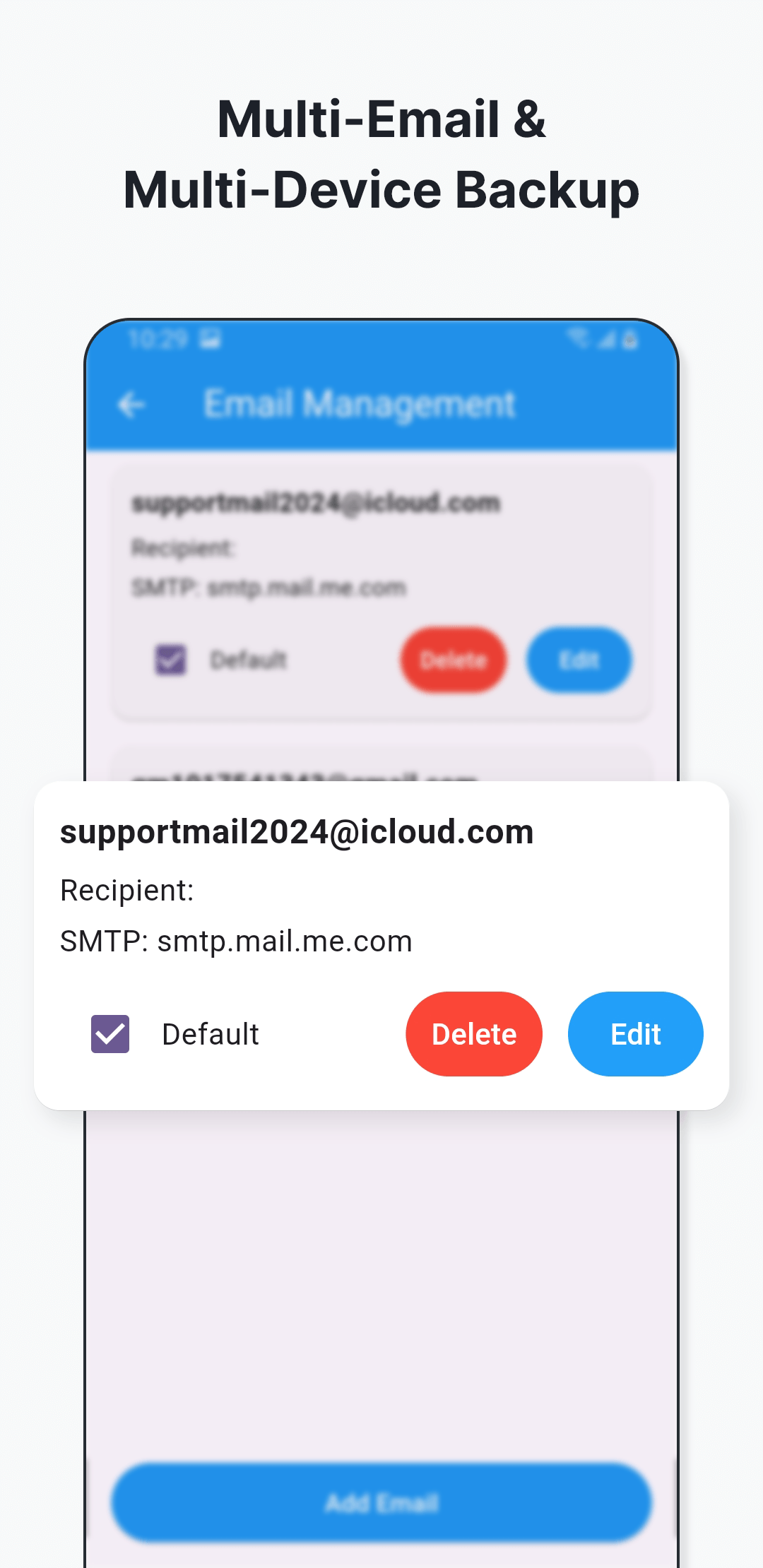
Configure your sender email, authorize it using the method shown in the guide, then send selected data to the email destination you choose.
- Uses your configured email account
- Shows the selected size against the email attachment limit
- No SecondDisk account is required
Back up to a connected USB drive
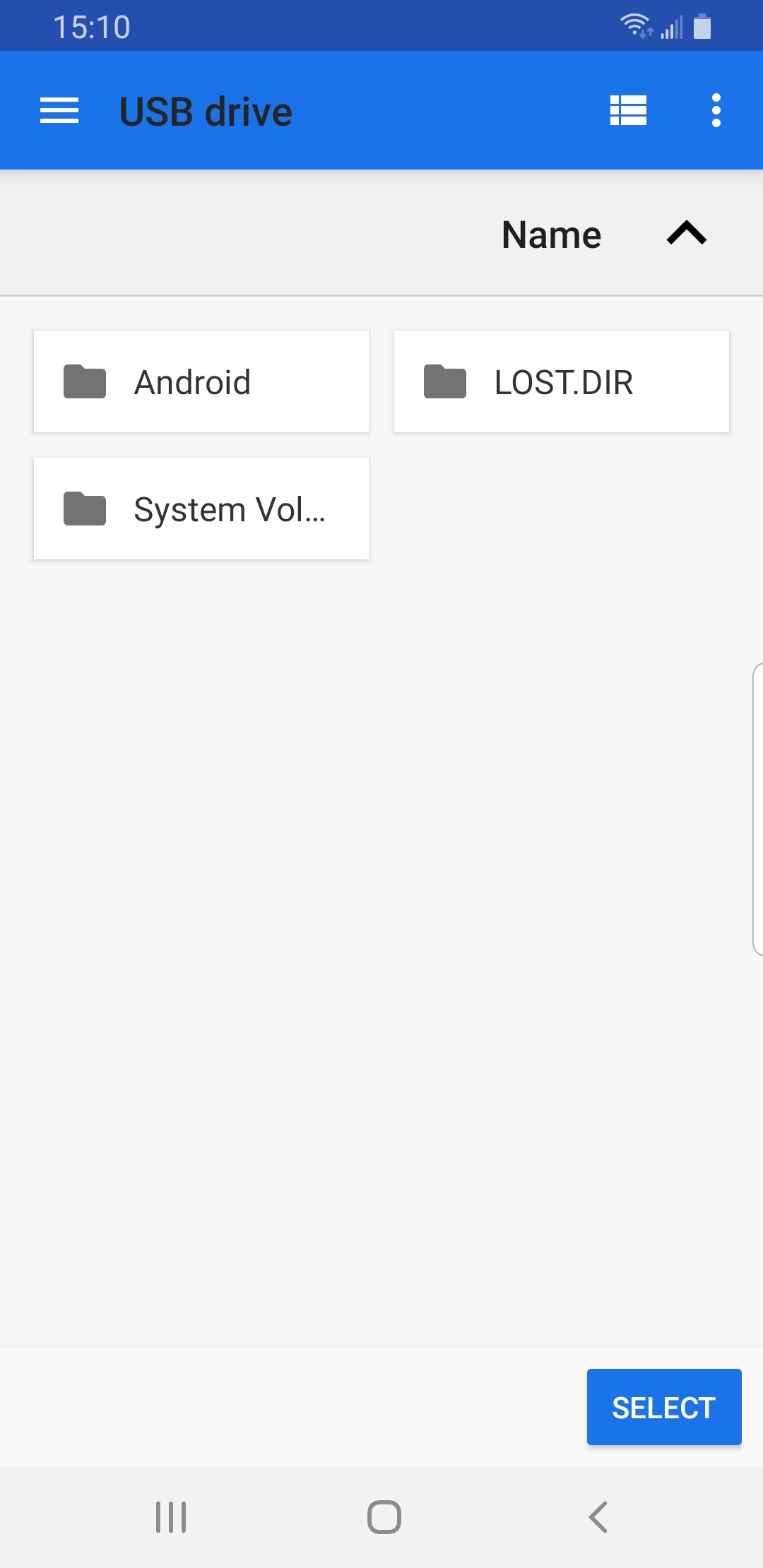
Connect a compatible USB drive to your Android phone, choose the backup location, and copy selected photos or contacts directly to it.
- Keeps an offline copy in your possession
- Lets you choose the USB backup location
- Works with both supported backup types
Review what happened after a backup
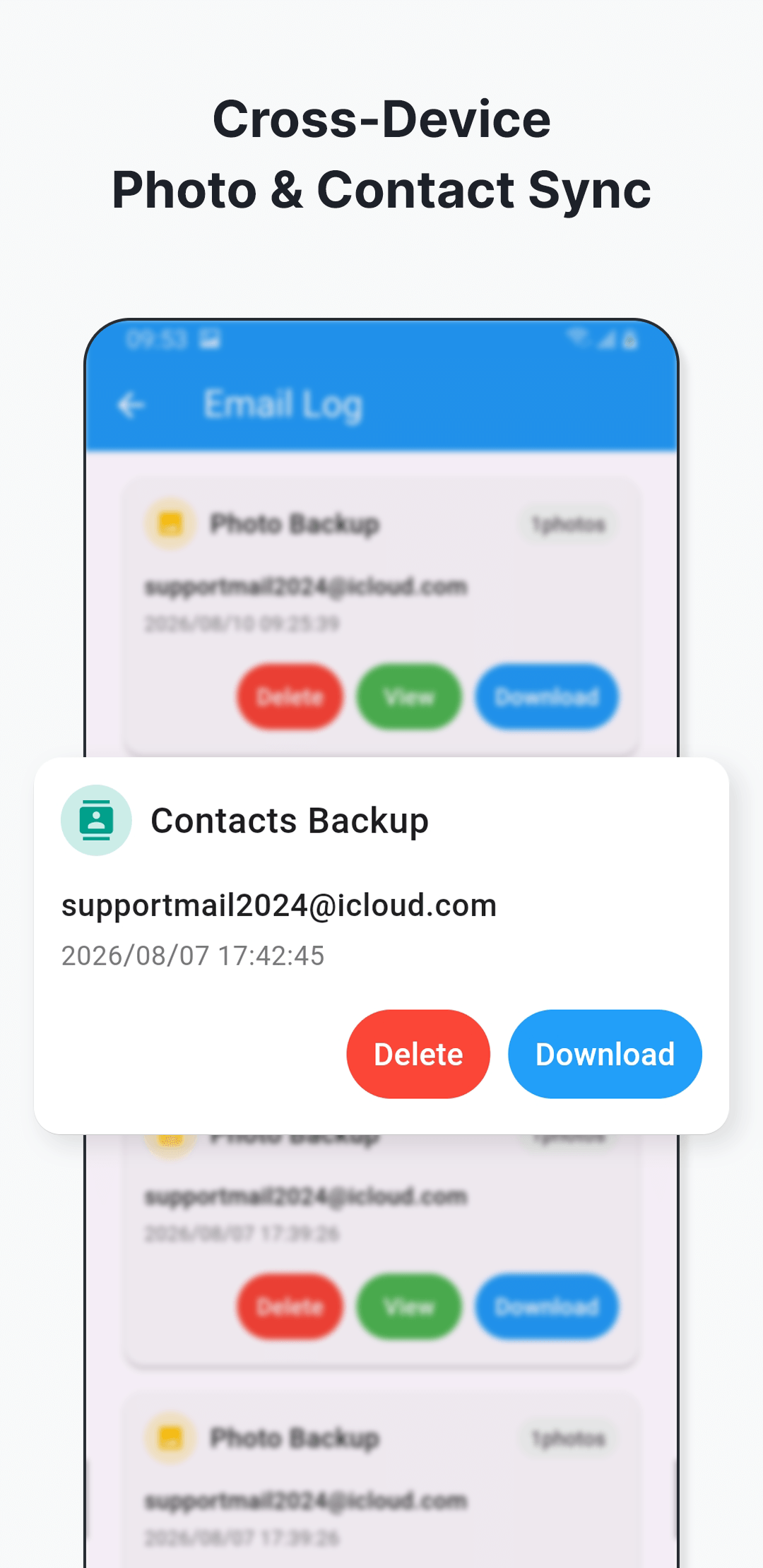
SecondDisk keeps an in-app backup record so you can inspect past entries and use the actions available for those records.
- View previous backup entries
- Download an available backup
- Delete records you no longer need
Ready to make your first backup?
Follow the setup guide from installation through email or USB backup.